

Virtual tour of the rendered villa
A public project from the 360° Space portfolio. View the available material and discuss a similar task.
About the project
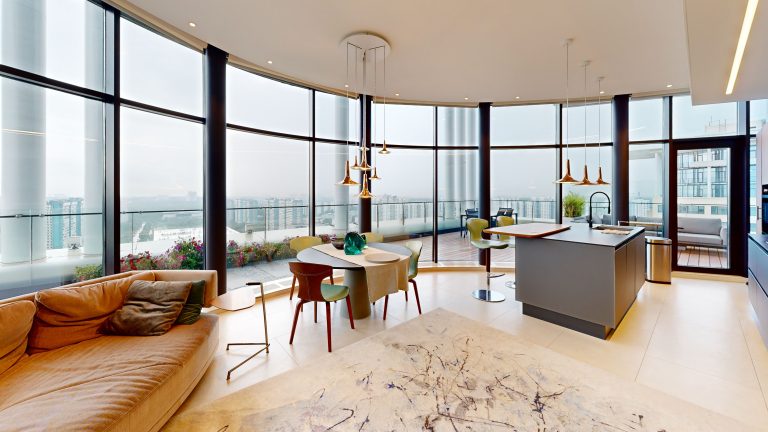
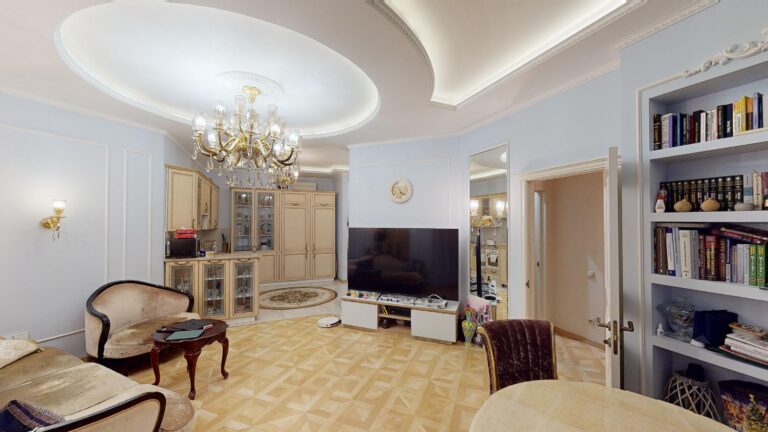
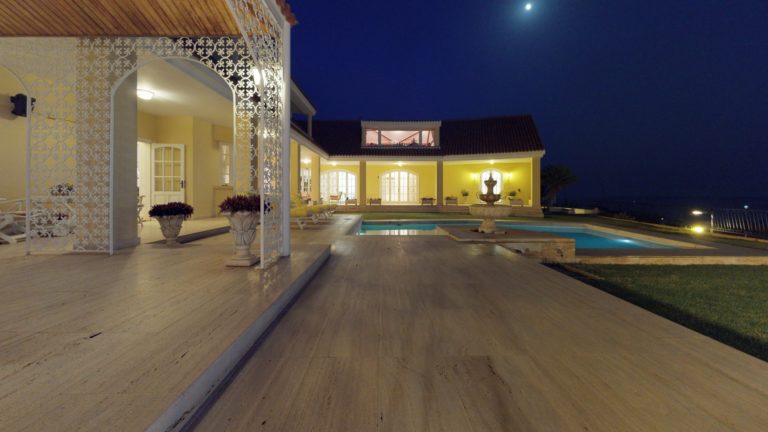
Imagine being able to look into the future and see your dream home before it is built. Now you can. With a 3D tour of a digitally rendered villa, you can explore every corner of your future home and assess its layout and design before construction is complete. This virtual tour is an ideal tool for anyone planning to buy or build a property. Take a detailed look at the arrangement of the rooms, get a feel for their size and imagine where you would place your furniture. Move through the villa as though you were really there and check that every detail matches your vision of the perfect home. Leave dry drawings and hard-to-interpret visualisations behind. A 3D tour of the villa offers more than images: it immerses you in the atmosphere of your future home. Appreciate the architecture, get a sense of the space and make a well-informed decision. Plan your visit and step inside your future home today.
Format and result
Public viewing
Platform to be confirmed for the project. The available player identifies the viewing format.
Project scope
The work, materials and handover are agreed for your task.
For a similar task
Discuss the audience, format, materials and viewing method. Scope and handover are set out in the proposal.
What to discuss for a similar project
Task and audience
What should be shown and which action is expected from the visitor.
Content
What source materials already exist and what needs preparing.
Viewing method
Where the result will be available and which devices should be tested.
Handover and updates
Which materials, access and rights the customer needs after acceptance.
Frequently asked questions
What should I send for an estimate of a similar project?
Describe what you want to show, who it is for and where people will access the result. For a space, a floor plan, area and photographs are useful; for a product, send images, dimensions or existing models. Include any available materials and your preferred launch date so the scope of filming, content preparation and development can be defined.
How can we use the finished project on our website and other channels?
Publication depends on the format: an interactive project opens through a link or an embedded player, while video can be shared as a file or through a video service. Separate clips and images linking to the full experience can be prepared for social media. It is best to choose the channels and content versions before production.
What does project handover and ongoing support include?
The handover list specifies the finished materials, access details, instructions and terms of use. Source files, third-party licences and hosting are listed separately so editing options and future costs are clear. Support may include content updates, backups and further development; its scope depends on the chosen solution.
Similar Projects
Discuss a similar project
Leave a contact and describe the task to discuss scope and terms